


Usage
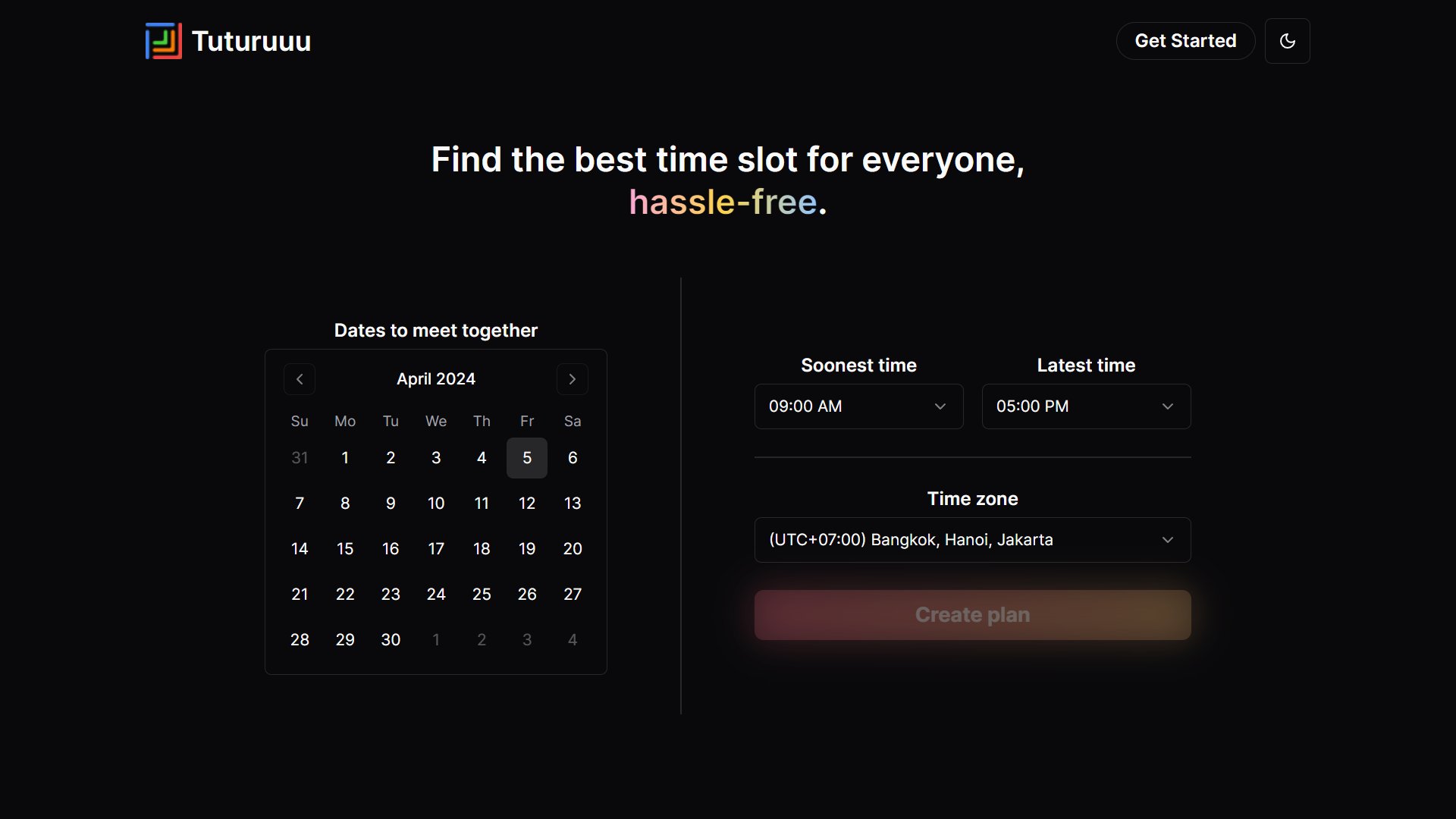
To use Tuturuuu Meet, sign in with a Tuturuuu Account, create a plan, and invite participants with its canonical sharing link. Creating a plan requires a signed-in user; signed-out visitors see a sign-in prompt in place of the create button and return to the same page after signing in. This will require you to select thedates and times that you are available to meet, and optionally change the plan original timezone as needed.
Once you have done this, a link will be automatically generated for you so
that you can share with your friends and/or colleagues.
Saved Plans
Plans you create are saved under your account, so you can access them later without having to manage links. Plans that you have filled out as a signed-in participant are also automatically saved under your account. Workspace Meet plans are scoped to their owning workspace. A public workspace plan link is shareable with workspace members, but it is not globally readable by ID. Anonymous access is only valid for public plans that are not attached to a workspace.Plan Management
Everyone who has access to the plan will be able to see the plan details and the availability of everyone. Additionally, they will be able to change the plan name and delete the plan.Limitations
Plan creation access
Product decision: creating a plan requires a signed-in user.- Plans without a workspace: any signed-in user can create one. Anonymous guests can still join a public, non-workspace plan by link, but cannot create plans.
- Workspace plans: the creator must also have
MEMBERmembership in that workspace. A non-member receives403 Forbidden, and a failed membership lookup returns500before the plan or an associated poll is created. - Surfaces: the shared plan form on the web
/meetpage and the Meet app root shows a sign-in prompt instead of the create button when no user is signed in.POST /api/v1/meet/plansreturns401for a signed-out caller. - Updates: only the plan creator can edit an unconfirmed plan, and only its editable fields (name, dates, times, timezone, duration, location voting, description and agenda). The workspace, creator and visibility cannot be changed through an update.
POST /api/v1/meet/plans use this same server
boundary. Regression coverage: packages/apis/src/meet/actions/plans.test.ts,
apps/web/src/app/api/v1/meet/plans/route.test.ts and
packages/ui/src/components/ui/legacy/meet/form.test.tsx.
Participant removal scope
Only a plan creator may remove another participant. Guest poll-vote cleanup is limited to the removed participant’s votes on that plan. Votes on other plans remain intact. Coverage lives inpackages/apis/src/meet/actions/users.test.ts.